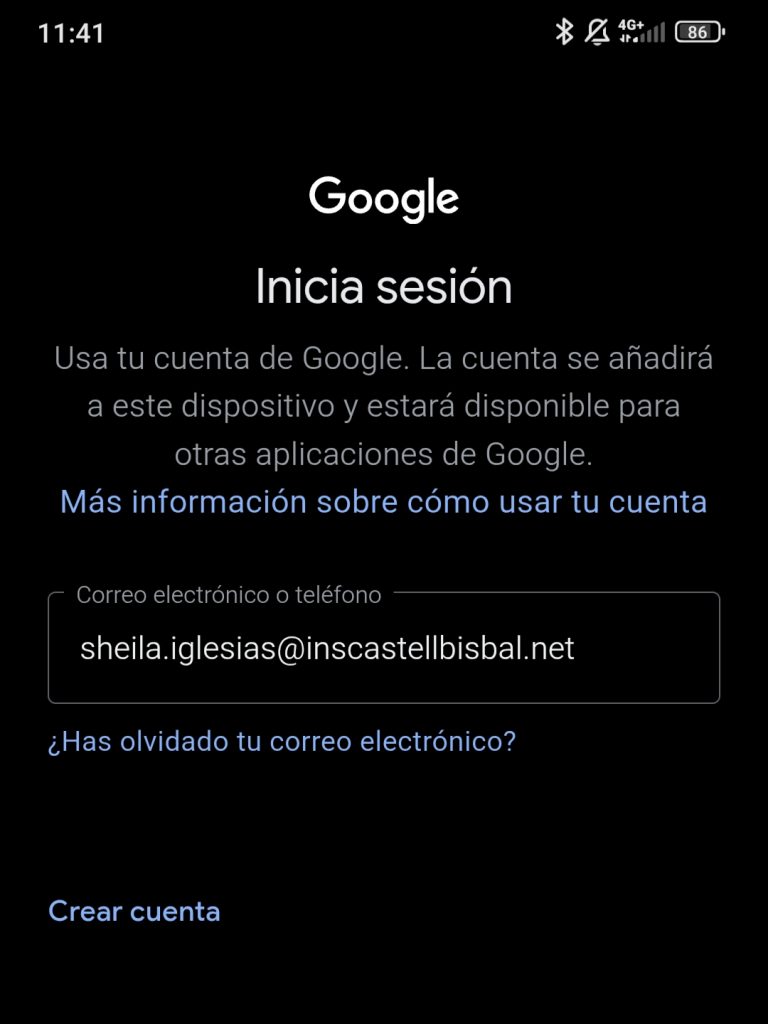
First, I logged into my mobile phone with my school account, using the corresponding credentials.
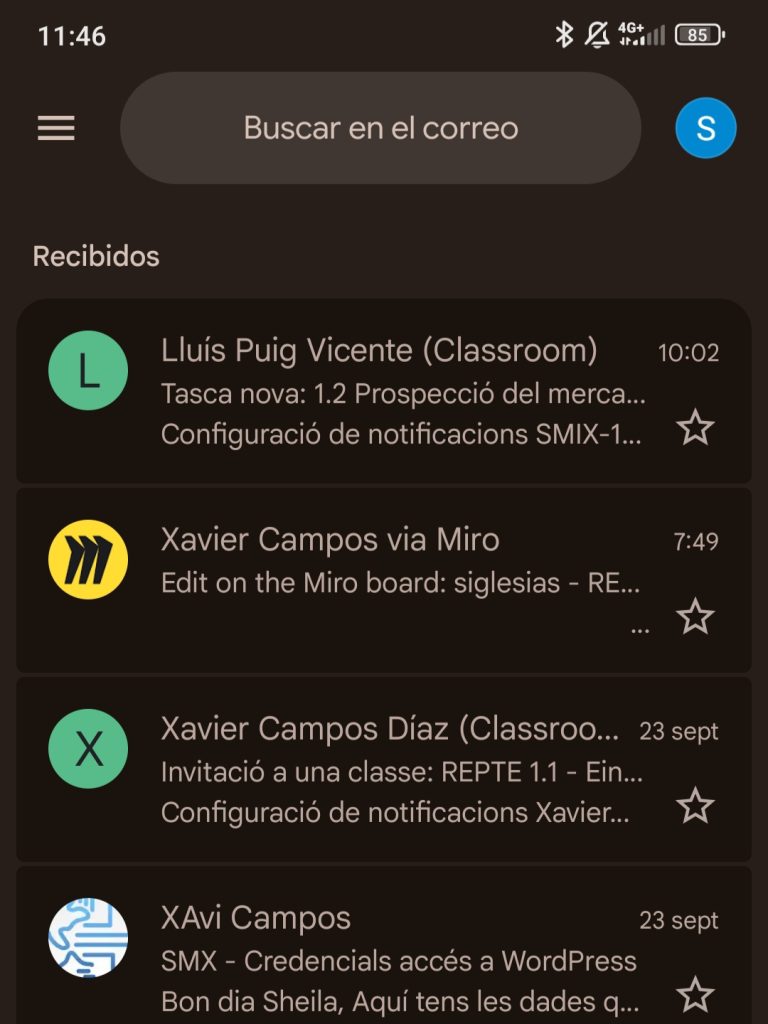
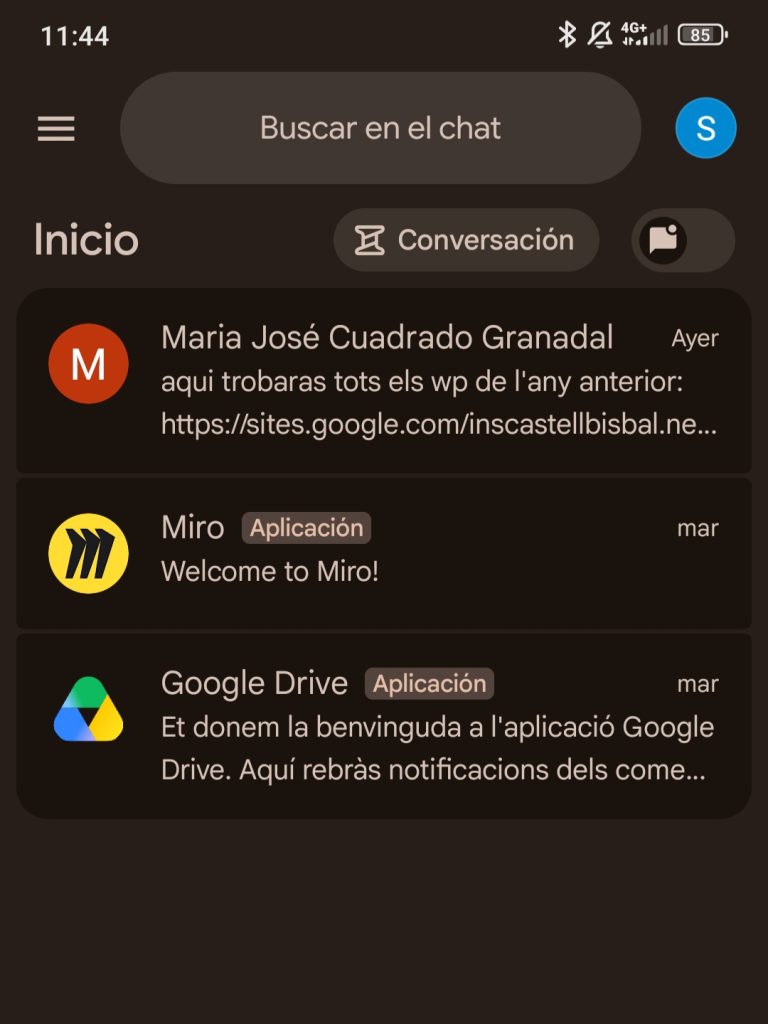
After logging in, I verified that the account data had synchronized correctly with the mobile device. Upon opening Gmail, I can see the same emails available in the account as on my computer. I also confirmed that the chat app is available and displays the conversations associated with the same account.
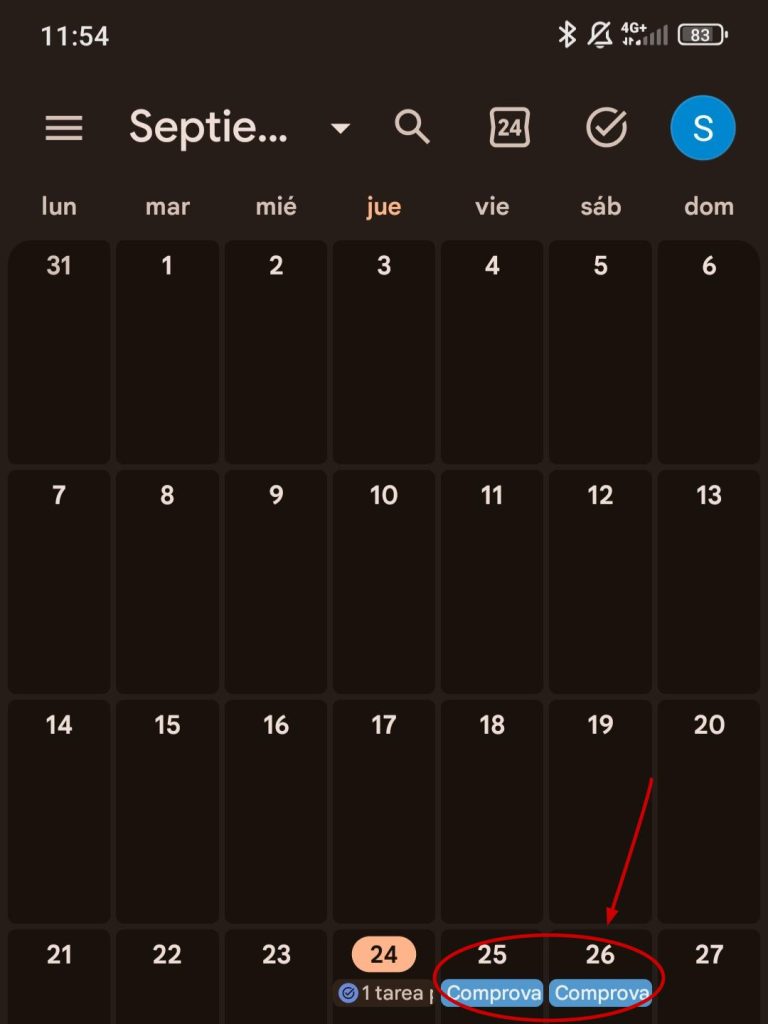
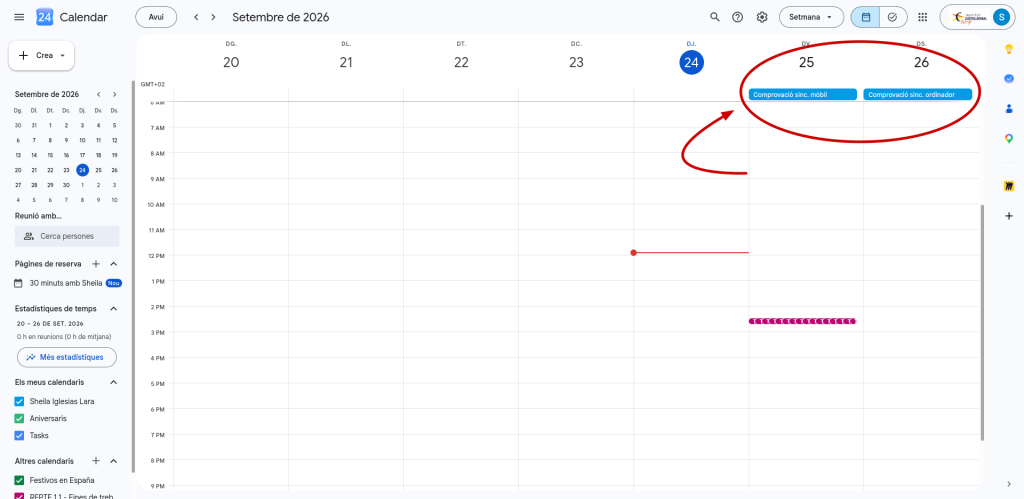
Furthermore, I have verified the calendar synchronization by creating events on both my mobile phone and computer and ensuring they appear on both devices, which confirms that the account information is syncing correctly.
This way, when I receive emails or chat messages, I have them available on both my mobile and my computer, without needing to configure the services independently on each device.
